EmailVerify Bot
#1 Email
Verification
on DiscordSINCE 2021
Verify that the people in your server actually own the email address they claim to. A user enters their email, gets a 6-digit code, types it back, and a role is assigned. That's it. Built for university servers, employee groups, and any closed community where you want to know who's joining.
Free for 25 verification emails a month per server. No sign-up, no payment details.
Used by communities at





























Student, alumni and employee servers at these organizations verify their members with EmailVerify. Logos are trademarks of their owners and don't imply endorsement.
See it in 60 seconds
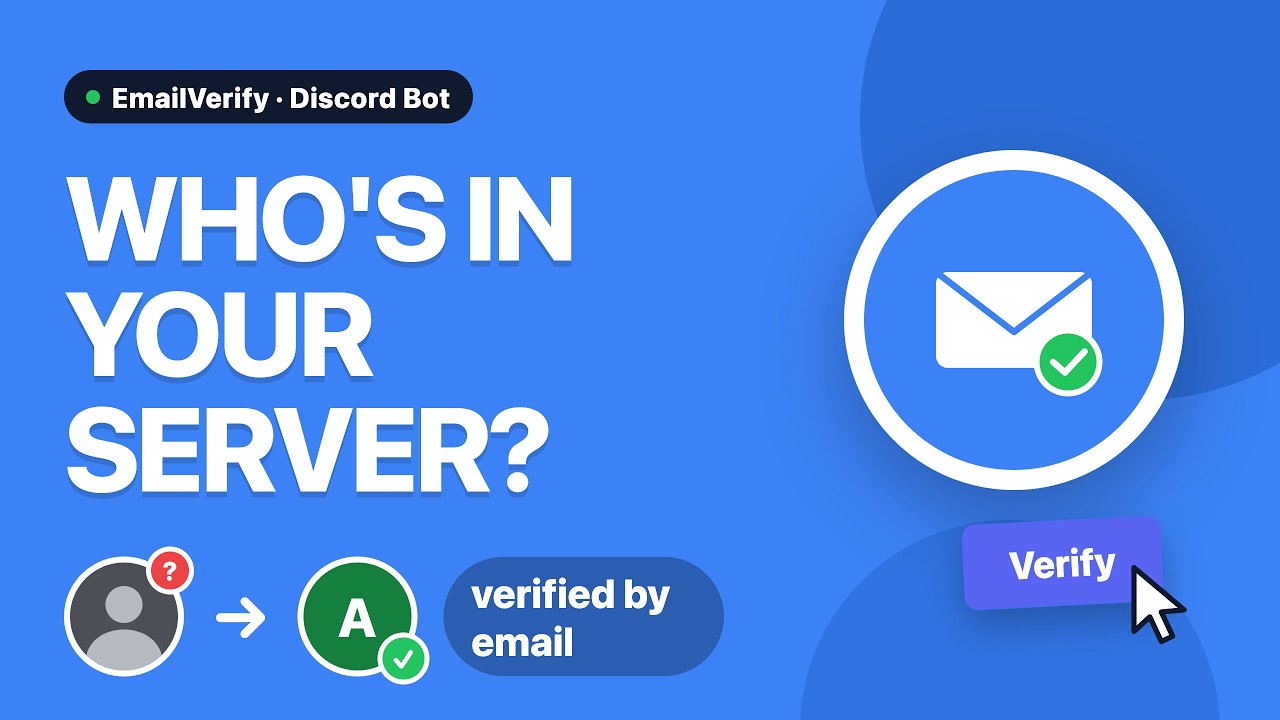
Prefer to read? The quick start guide covers the same three steps.
Live numbers
Who it's for
-
Universities & schools
Gate a course, faculty or society server behind
@*.eduor your own institution's domain, and split students from staff automatically. -
Companies & teams
Restrict an internal or partner server to people with a working company mailbox, with an audit trail of who verified and when.
-
Courses, events & hackathons
Upload a CSV of registrants or paying students and let only those exact addresses through — no domain in common required.
What it does
-
Verify by email code
The user enters their address, the bot sends a 6-digit code, the user types it back. No account on another website, no extra login, no extra steps.
-
Restrict by domain
Allow
@*.edu,@yourcompany.com, exact addresses, or any combination. Wildcards supported. Default is "any valid email" so small servers don't need to configure anything. -
Domain-specific roles
@students.uni.edugets the Student role,@staff.uni.edugets the Staff role, everyone gets a default Verified role. As granular as you need. -
CSV allowlist (Pro)
Upload a CSV (spreadsheet) file of specific addresses for invite-only servers. Stored as hashes (a scrambled code instead of the address itself): the bot can count the entries but never list them back.
-
Monthly limit reminders
Like a phone plan: warnings at 80%, 95%, and 100% of the emails your server can send each month — with a run-out forecast and a count of members turned away once it's hit. Sent to whoever you want — owner DM, channel, or specific admin.
-
Privacy-first storage
The bot's database keeps email addresses only as hashes (a scrambled code), never as plain text; the address itself is only needed to send the code. GDPR-compliant.
How setup works
Add the bot to your server. Click Add to your server, pick your server in Discord, and confirm.
Run /setup.
A short wizard creates the verified role for you (or uses yours), sets the allowed domains, and posts the verification button in the channel you pick.
Check delivery with /testmail.
Sends a real verification mail to an address you pick, so you find out about a spam-folder problem before your members do. Members can now click the button, verify, and get their role.
Full quick start → All commands →
Free for almost everyone
Every server gets 25 verification emails per month, no setup needed. Looking at usage stats from the past few months, about 95% of servers send 25 or fewer per month — so for nearly everyone reading this, the bot keeps working completely free.
If you do hit the limit, you'll get warnings at 80% and 95% before sending pauses. From there, credit packs or a subscription takes over.
See pricing → How it compares to other bots →
Built for transparency
This is a single-developer project that has been running on personal infrastructure for the past five years. The source code stays open under AGPL-3.0 — fork it, audit it, self-host it. Paying servers' emails go out through Zoho ZeptoMail, a paid email delivery service with servers in the EU (GDPR-friendly); free-tier emails go out through the operator's own mail server.
Common questions
How does email verification on Discord actually work?
The member clicks a button in your server and types their email address into a popup. The bot sends a 6-digit code to that address; entering the code back in Discord proves they control the mailbox, and the configured role is assigned. There is no account to create on another website and no extra login screen.
Can I restrict my Discord server to university students?
Yes. Add @*.edu to accept any US university address, or a specific domain like @students.uni-example.de. You can map several domains to several roles, so staff and students end up separated automatically. See the university guide.
Does the bot store email addresses?
Not in plain text. The bot's database keeps a hash of each address (MD5 of the lowercased address), which is enough to stop the same address verifying twice; the address itself is only used to send the code. A hash can still be matched against an address someone already knows or guesses, so it counts as personal data, not anonymous data. If you set a log channel, each verification is posted there with the address, as your own audit trail.
Can I self-host it?
Yes, it's AGPL-3.0 with a prebuilt Docker image. Bring your own mail server login (SMTP) and the monthly limit doesn't apply. Instructions are in the repository README.
What if a member never receives the code?
The "Code Sent" message has a Resend code button with a 60-second cooldown. If mail is landing in spam for everyone, run /testmail — most of the time it's a filter on the recipient's side, and paid plans send through Zoho ZeptoMail, a paid email delivery service that lands in the inbox more often.
Built with